Worldwide LAM Awareness Month
Social Media Toolkit
Awareness Graphics
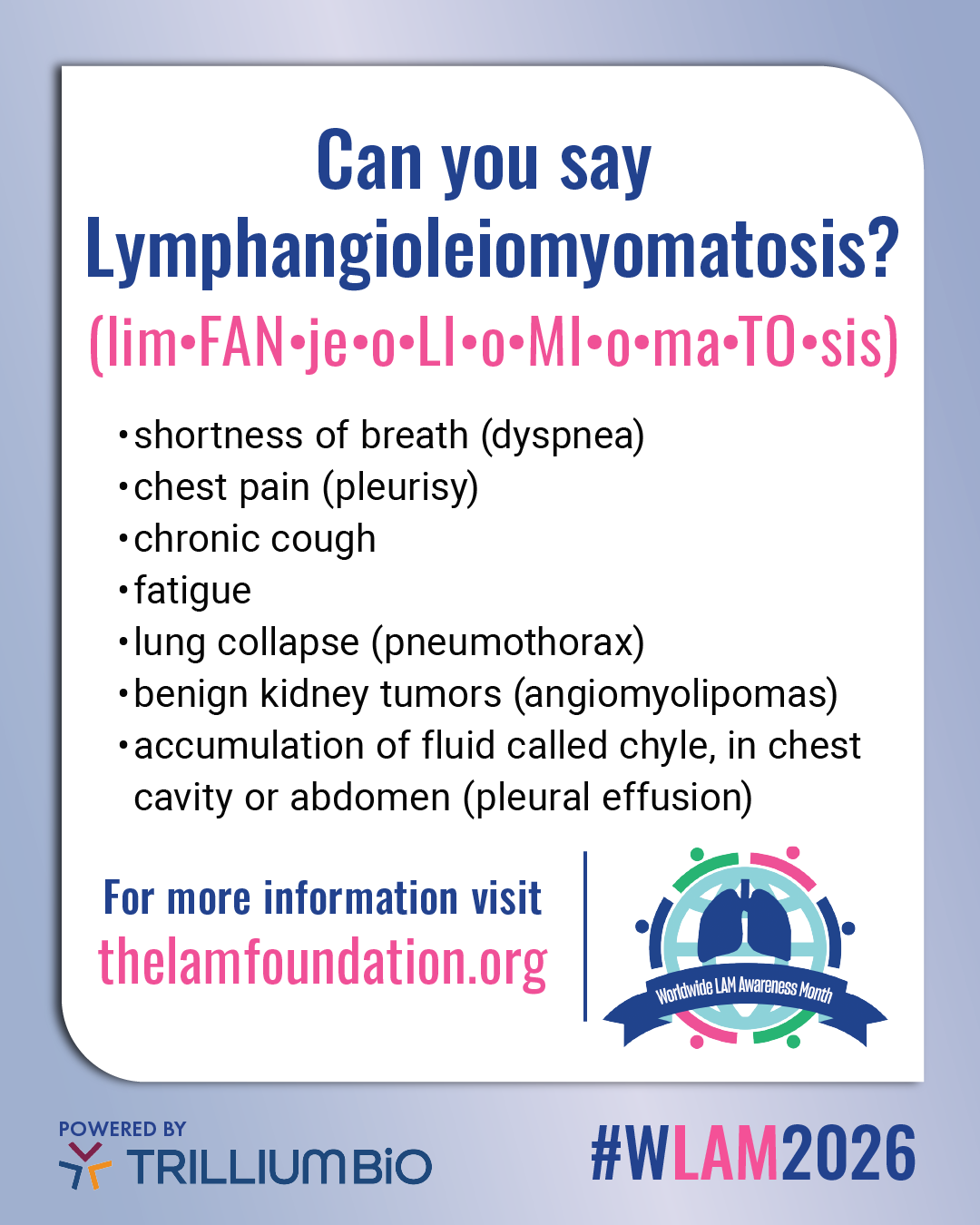
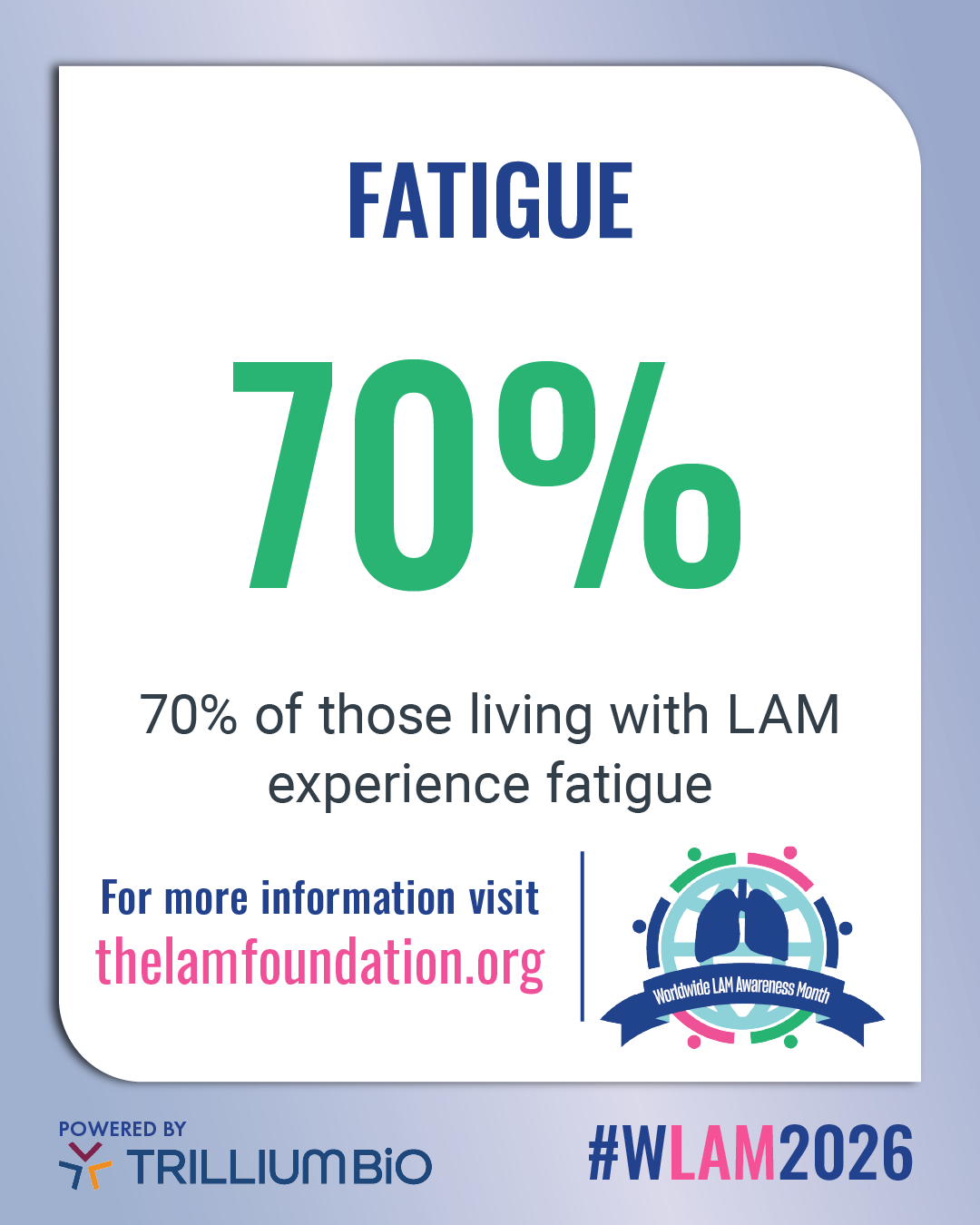
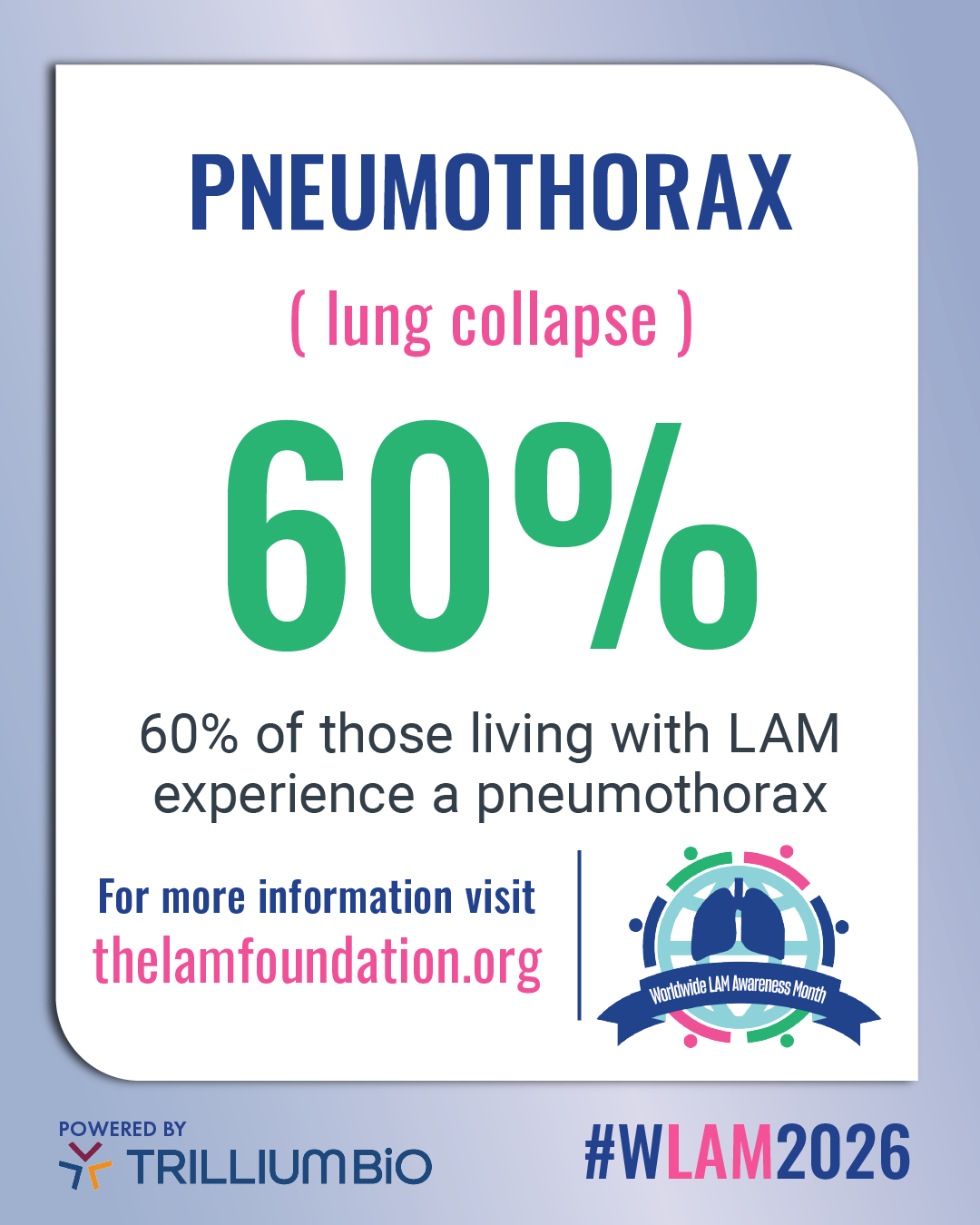
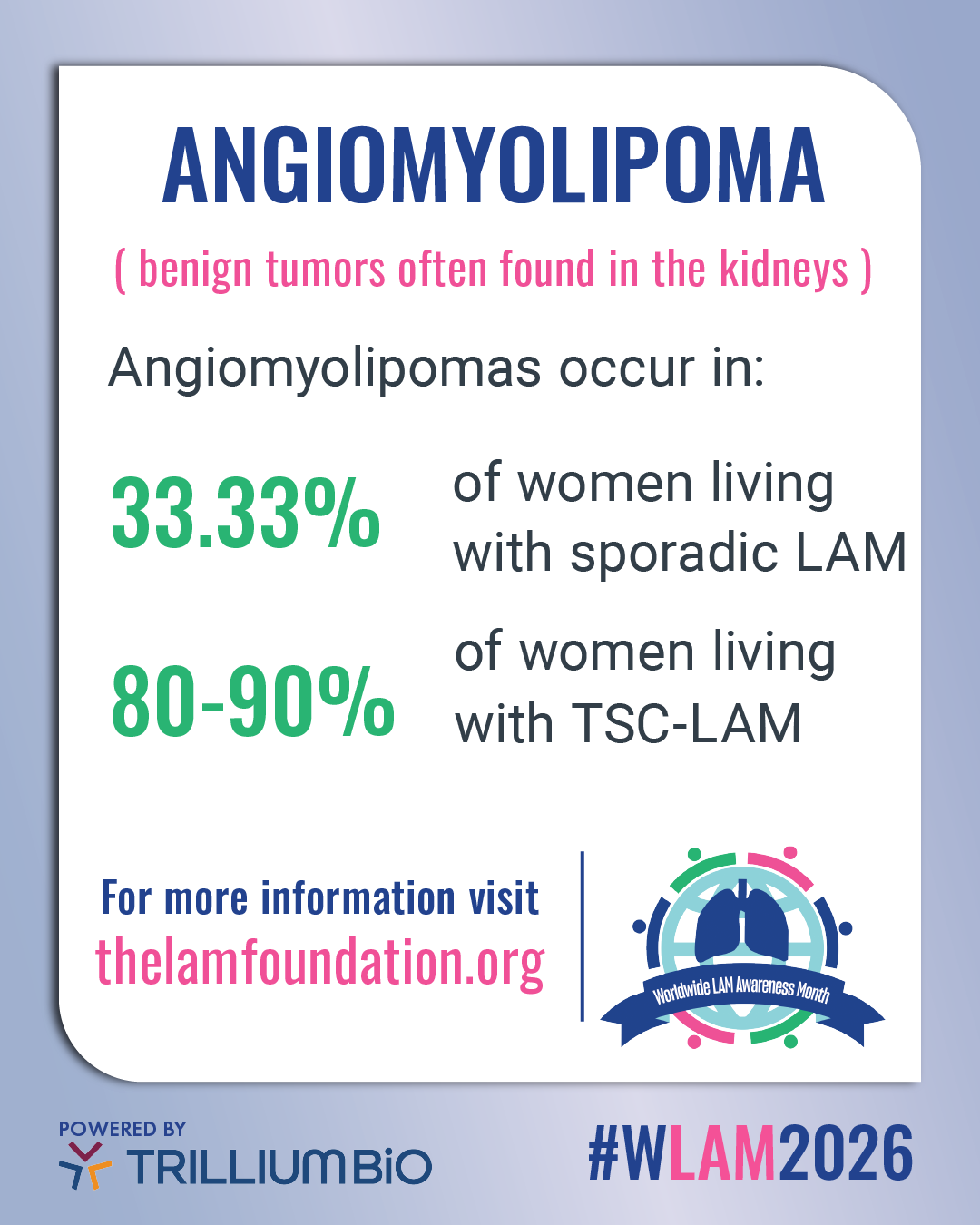

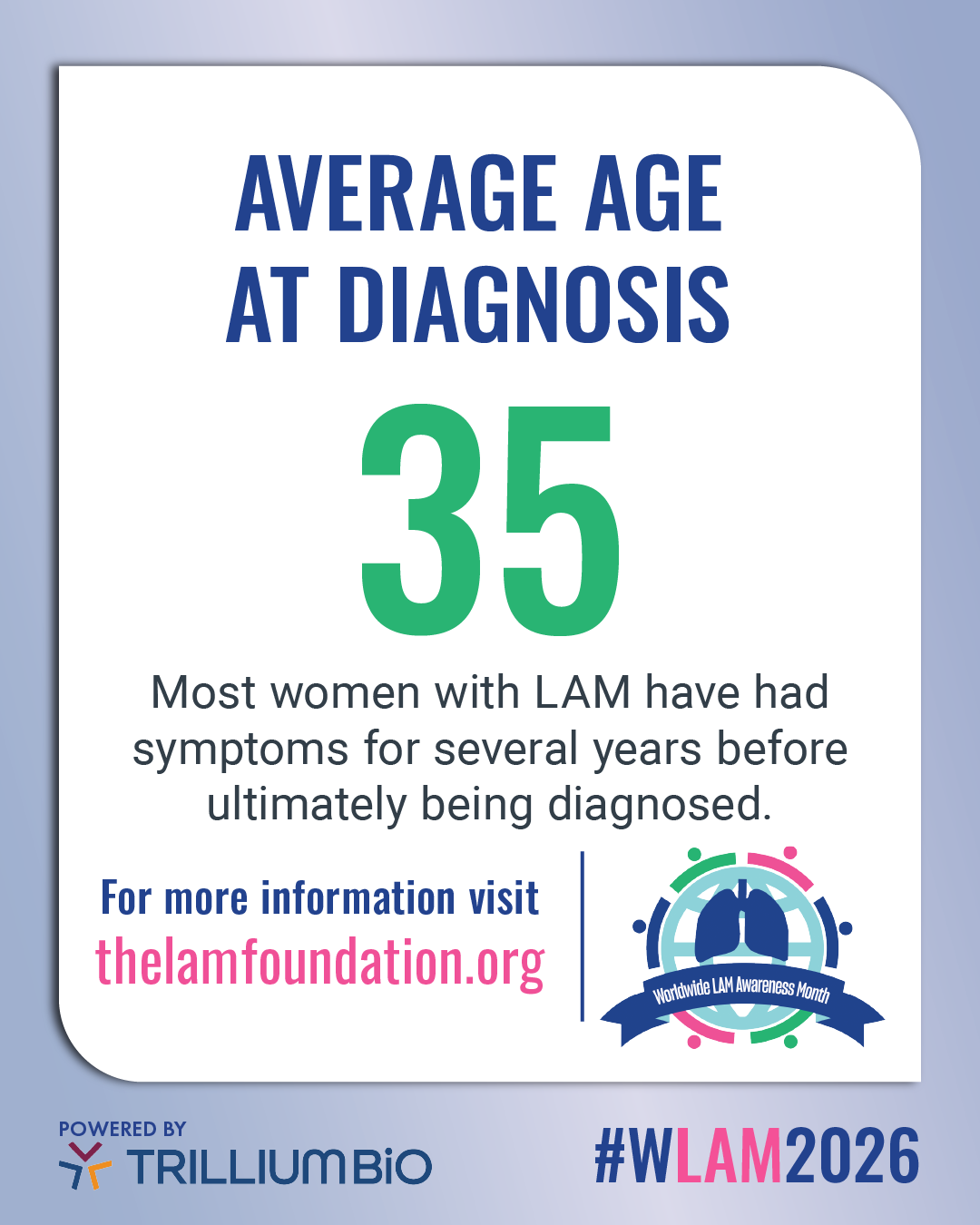
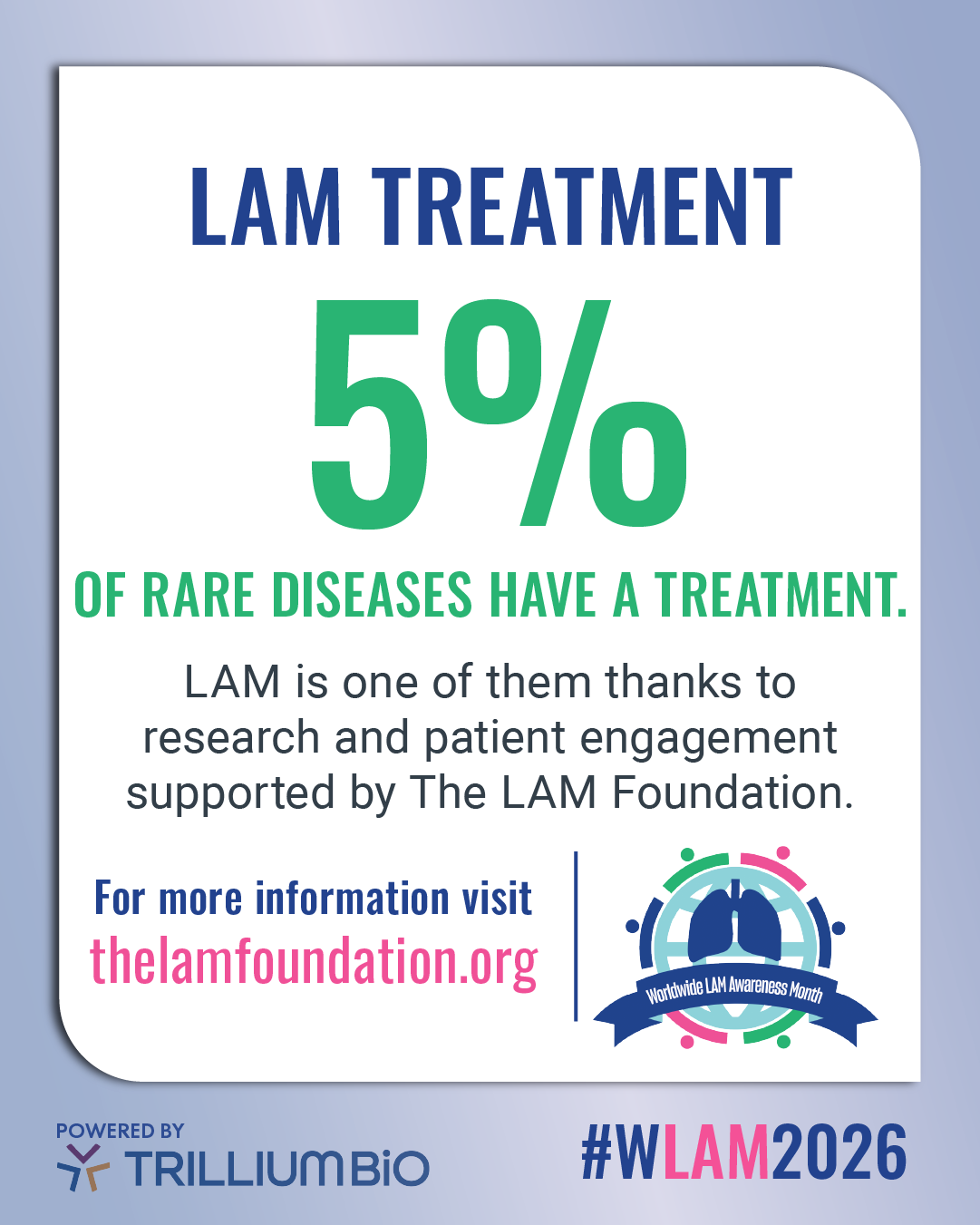
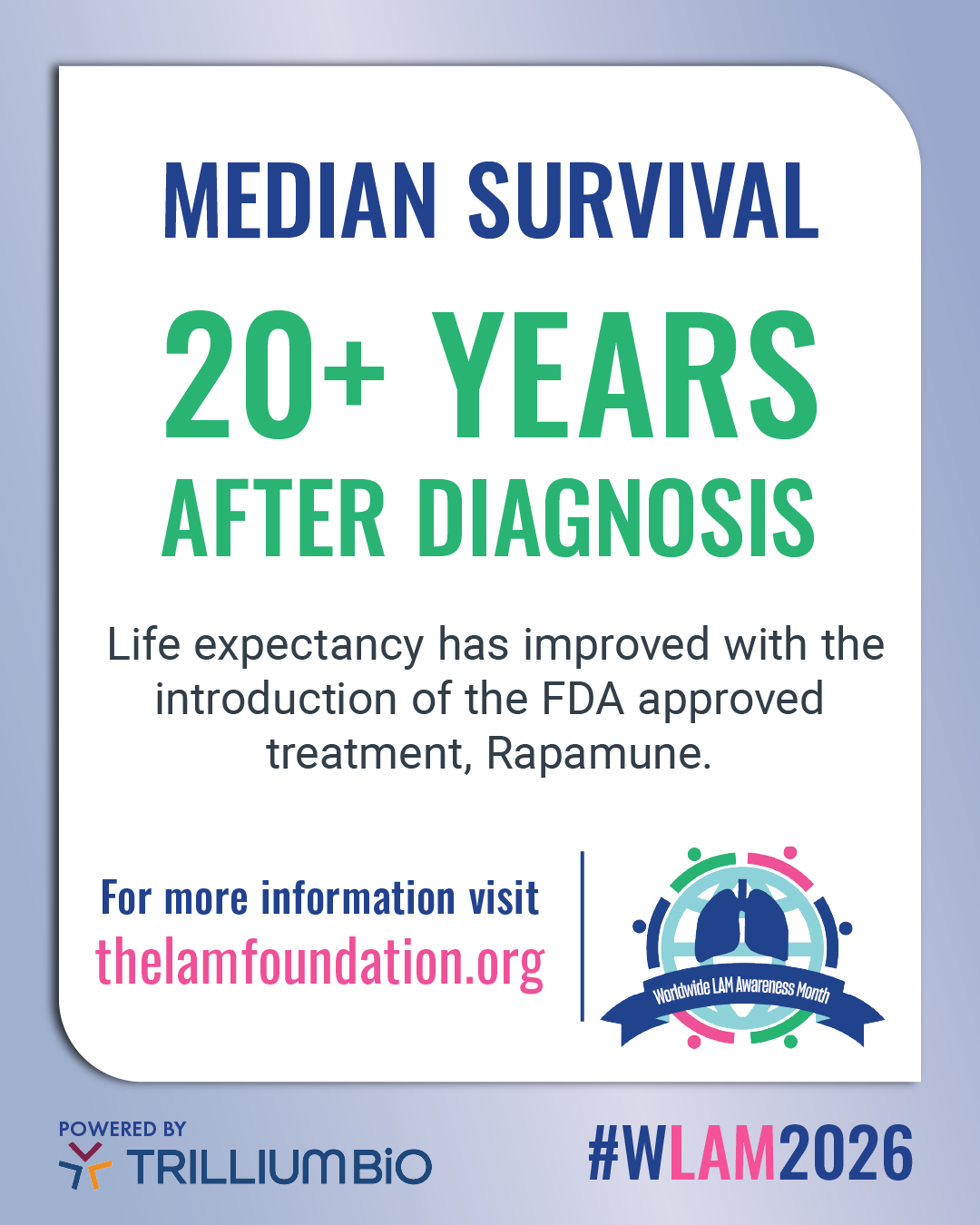
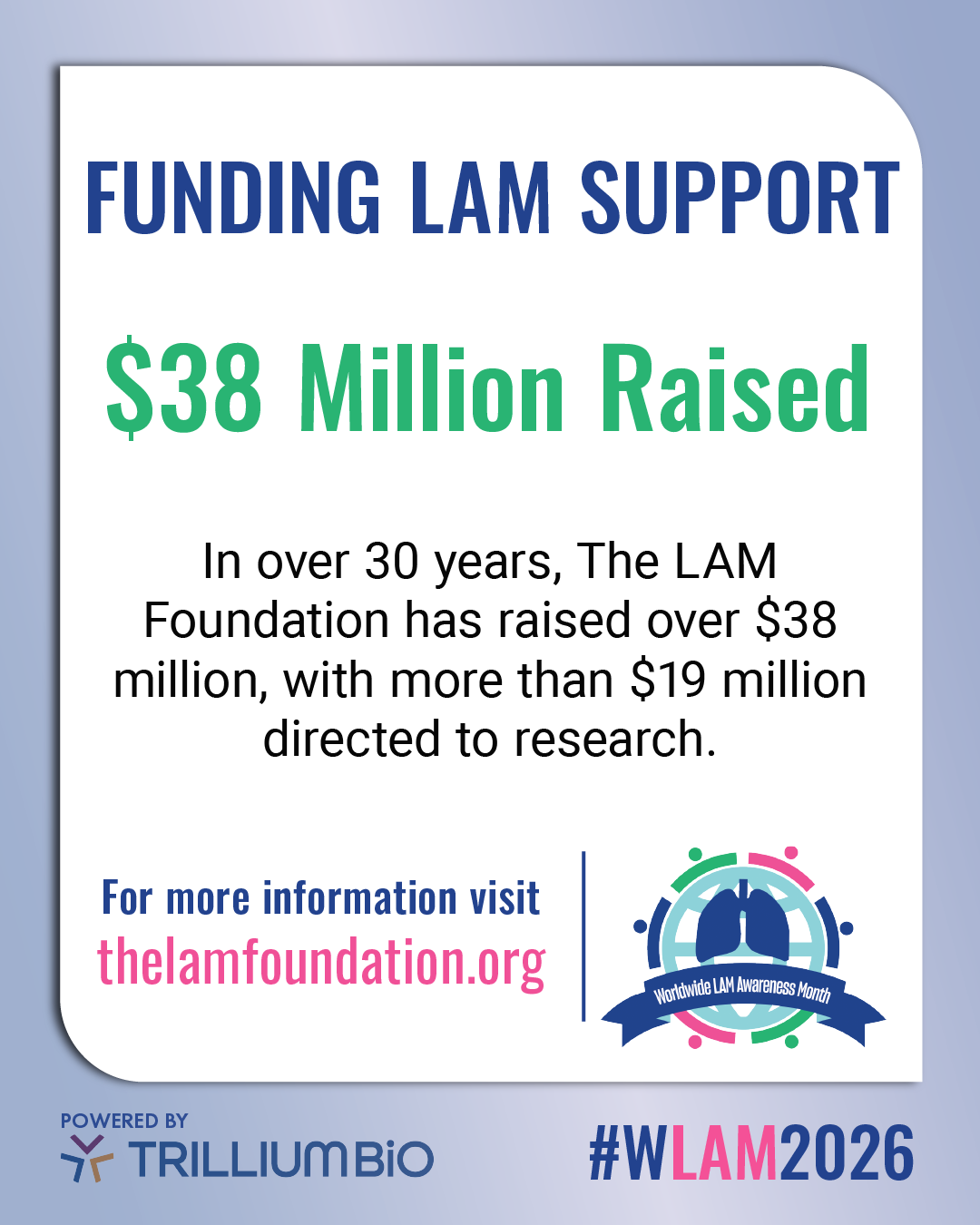
Banners and Profile Photos
Profile Picture Frame Canva Template
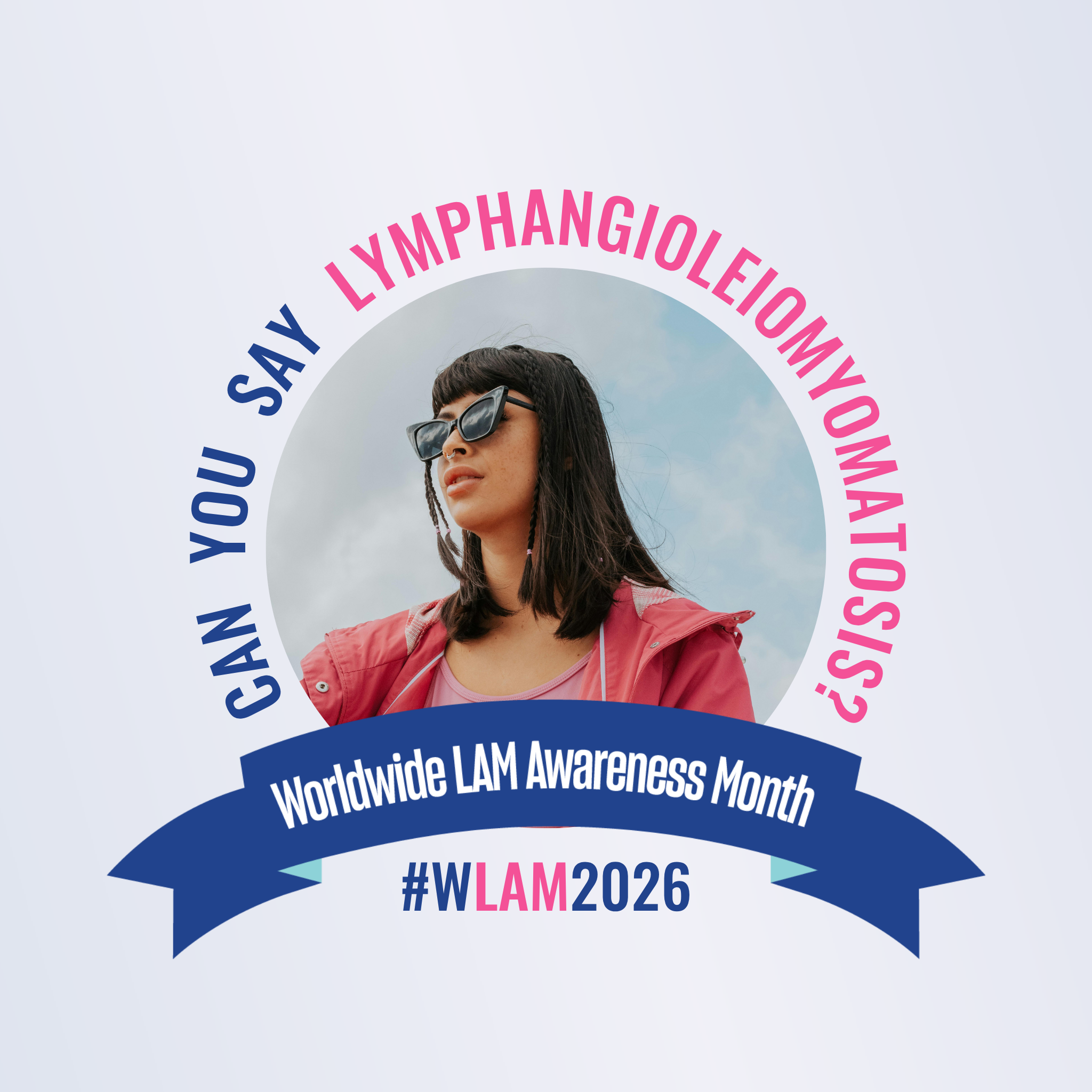
Steps to Use a Shared Canva Template
-
- Click the Link: Open the template link shared with you via email, text, or document.
- Use Template: A preview screen will appear. Click the purple Use template for new design button.
- Sign In: If prompted, sign in to your Canva account or create a new one.
- Edit the Template: Customize text, images, and colors. These changes are saved to your copy only.
On desktop: To add your photo to the frame drag file over the placeholder image.
On Mobile: Tap placeholder image to add your photo. - Rename the Design: Rename the file from “Copy of…” to something specific to your project.
- Download: Click Share > Download to save your final design to your computer.
General Profile Image
Facebook Profile Cover

LinkedIn Profile Cover

X and BlueSky Cover